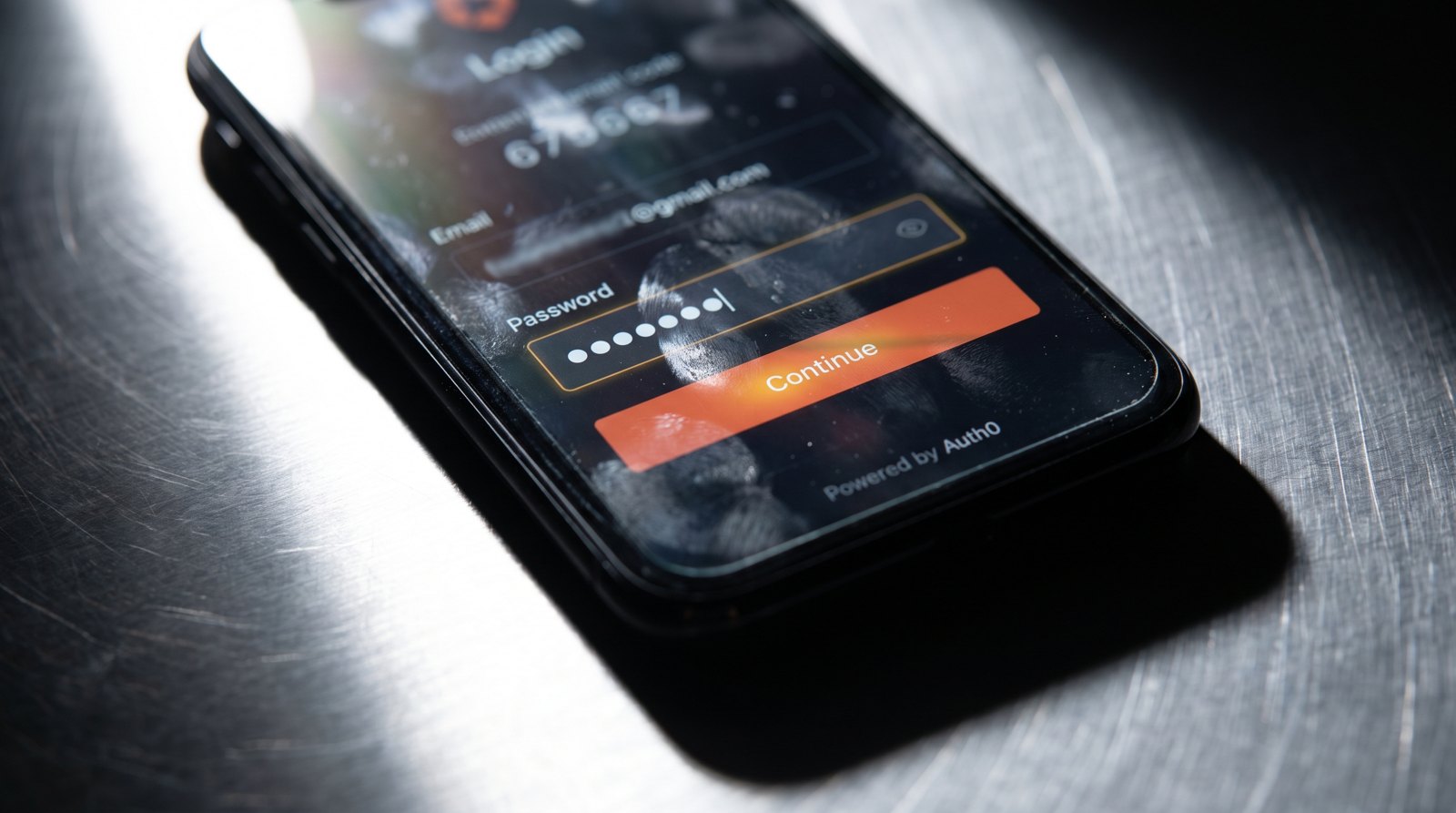
A developer guide was published this week explaining how to keep an eye on Auth0, a login service that many applications use to handle signups, passwords and two-factor codes. The point of the guide is simple: when that service has a problem, or when your own settings on it break, nobody can log in.
Most North Phoenix businesses with a brochure site, a few contact forms and a blog do not have a login screen at all. If that is you, this story genuinely does not touch you. Skip to the last paragraph.
It matters more if your site has a customer area, a client portal, a booking account, a membership section, or an online store where people save their details. In almost every case, the login part is not something your developer built from scratch. It is rented from a third party. Auth0 is one of those. So are the login systems built into Shopify, WordPress membership plugins, Squarespace member areas, and "sign in with Google" buttons.
The practical consequence is that your site can be up while a critical part of it is down. Your homepage loads, your phone number is visible, everything looks fine, and yet a customer cannot get into their account. Standard uptime monitoring (a service that pings your homepage every few minutes and emails you if it fails) will not catch that. It only sees the front door, not the locked room at the back.
The guide's suggestion, translated out of developer language, is to check the specific piece that handles logins on its own schedule, so you hear about a failure from your monitoring rather than from an annoyed customer. It also suggests watching the login provider's own status page, so you can tell quickly whether the fault is yours or theirs. That distinction saves real time when you are trying to decide whether to wait or to start fixing.
What to do: If your site has no login, nothing. If it does, ask whoever maintains it two questions next time you speak. Who provides our login, and would we find out if it broke without a customer telling us? If the answer to the second one is no, that is a small and cheap thing to fix.
Reported by: