How Do You Keep a Small Business Website Secure?
Most small business websites get hacked through weak passwords, outdated software, or plugins nobody ever updates, not through some genius hacker targeting you personally. Keeping a site secure is mostly about a handful of boring, consistent habits: strong logins, current software, an SSL certificate set up correctly, and backups that actually work when you need them. None of it requires you to become a security expert. It just requires someone paying attention on a regular basis, which is exactly what website maintenance is for.
How do small business websites get hacked?
Small business websites usually get hacked because something on the site was left out of date or left unlocked, not because of a targeted attack. The most common paths in are outdated plugins or software with known security holes, weak or reused passwords on the admin login, and old themes or tools nobody uses anymore but that are still sitting on the server as an open door. Automated bots scan thousands of sites a day looking for exactly these weak spots. They are not picking on you specifically, they are just checking if your door is unlocked.
This is especially common on WordPress sites that were set up once and never touched again. Plugins pile up, updates get skipped, and eventually something breaks or gets compromised. If that sounds like your site, it is worth a look at WordPress rescue and alternatives to see what shape things are actually in. The fix is rarely dramatic. It is usually just getting someone to update software on a schedule, use proper passwords, and check in on the site regularly instead of forgetting it exists between projects.
What does SSL actually protect on my website?
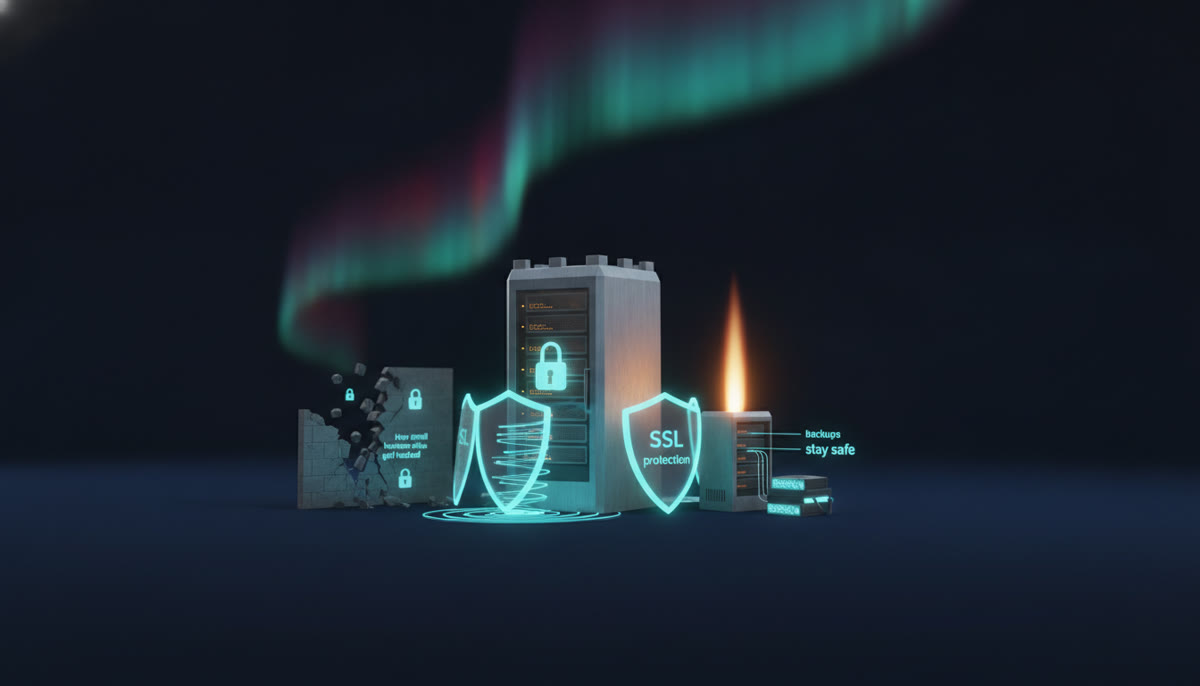
SSL protects the connection between your website and the person visiting it, encrypting any information that passes between them so it cannot be intercepted along the way. That matters most when someone is filling out a form, logging into an account, or entering payment details on your site. Without SSL, that information travels in plain text, which is a real risk and also the reason browsers now flag sites without it as "not secure" right in the address bar, which is not a great first impression for a customer.
SSL does not protect you from being hacked, and it does not scan for malware or stop bad plugins from causing trouble. It is one piece of a bigger picture, not the whole picture. A properly built site has SSL set up correctly from day one as part of the small business web design process, not bolted on as an afterthought. If you are not sure whether your current site has it configured right, that is a quick and easy thing to check.
What backups should my website have?
Your website should have backups that are automatic, stored away from the live site, and recent enough that losing a day or two of changes would not hurt. A backup that only lives on the same server as your website does not protect you from much, since if that server has a problem, your backup goes down with it. Backups need to be stored somewhere separate, taken on a regular schedule, and actually tested now and then so you know they would work if you ever needed to restore from one.
Many business owners find out their backups were broken, missing, or years out of date only after something goes wrong, which is the worst possible time to learn that. This is one of the simplest problems to fix and one of the most common ones we find. It is also baked into our maintenance plans, which start from $99 a month and include updates, backups, and speed and uptime monitoring, with a real person keeping an eye on things and answering when something feels off.
If you are building something new, security gets built in from the start rather than added later. That is true whether it is a full custom web development project or a straightforward business website. And no matter what you choose, our policies stay the same: the plan comes before the bill, the quote is the bill, and you own everything, files, domain, and accounts, in your name, outright.
If you are not sure where your current site stands on any of this, the checkup is free. We will look at what you have and tell you plainly what we would do, even if you never hire us.